An amazing video showcasing excellent cycling skills and beautiful scenery and landscapes.
Danny MacAskill - "Way Back Home" from Dave Sowerby on Vimeo.
Sunday, May 15, 2011

Saturday, May 7, 2011
Who cried during campaigning in GE 2011?
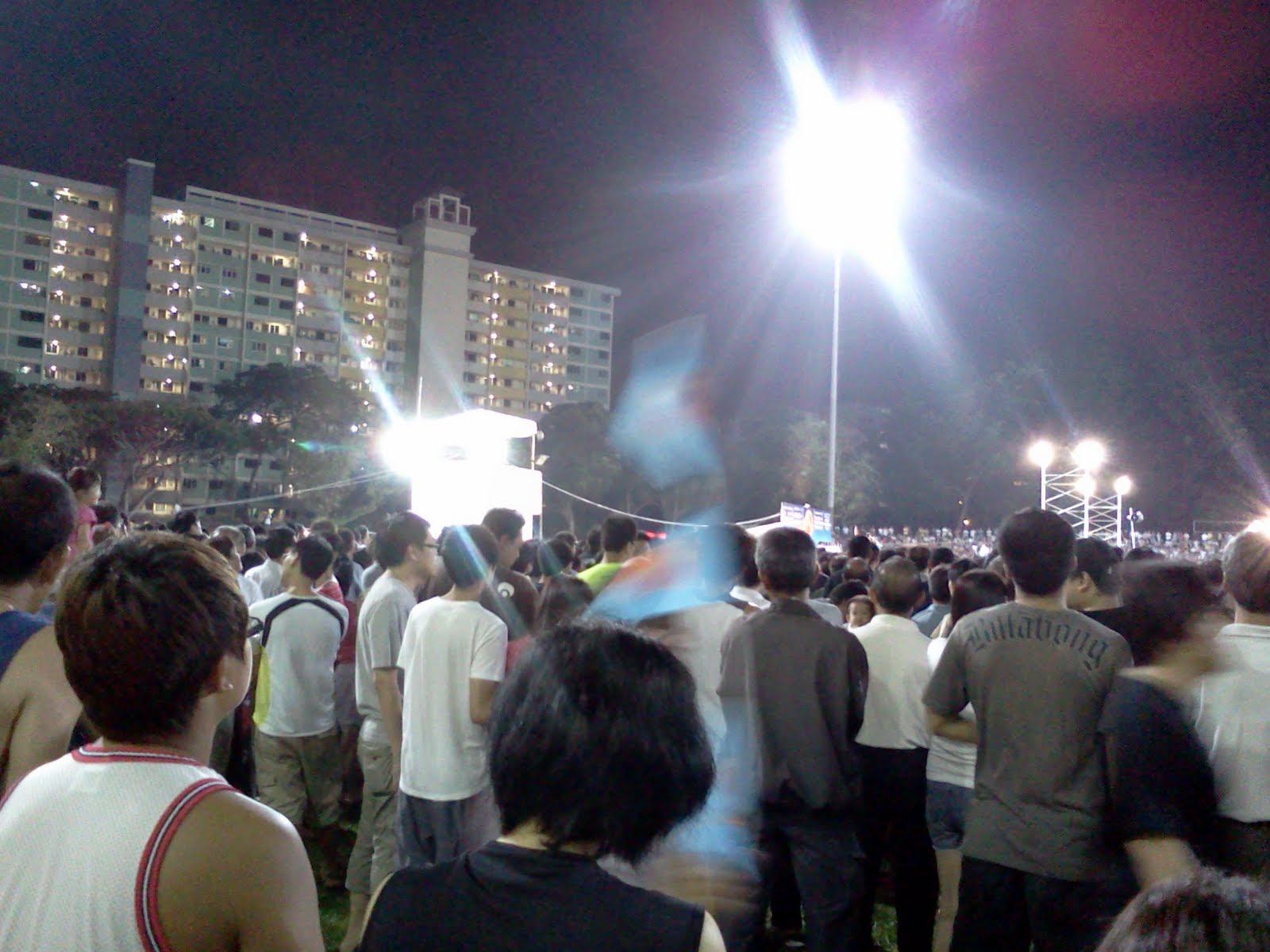
One thing that surprised me during the General Election campaigning was how many people were crying. I don't think there was any of that last time round. Here's a round-up of the emotional candidates. I think there may be more tears after tallying vote count today.
PAP, Lim Boon Heng, when refuting claims about groupthink within the PAP.
Source
PAP, Lim Swee Say, when he sang along with residents at a farewell party thrown by residents at Commonwealth Crescent.
Source
PAP, Khaw Boon Wan, when he recalled residents asking him how he was after his heart bypass surgery.
Source
WP, Watson Chong Cham Weng, when he disclosed the resistance he faced from his family when they learnt he was joining the opposition.
Source
Video
NSP, Nicole Seah, twice. First, when she spoke with a female resident in MacPherson who was facing financial problems. Second, when she recounted the incident in a rally.
Source
Video
PAP, Lim Boon Heng, when refuting claims about groupthink within the PAP.
Source
PAP, Lim Swee Say, when he sang along with residents at a farewell party thrown by residents at Commonwealth Crescent.
Source
PAP, Khaw Boon Wan, when he recalled residents asking him how he was after his heart bypass surgery.
Source
WP, Watson Chong Cham Weng, when he disclosed the resistance he faced from his family when they learnt he was joining the opposition.
Source
Video
NSP, Nicole Seah, twice. First, when she spoke with a female resident in MacPherson who was facing financial problems. Second, when she recounted the incident in a rally.
Source
Video
Saturday, April 30, 2011




Sunday, February 27, 2011
The Brothers Mario
Saw this cool machinima on the Mario Bros, and had to share this. It's what happens when you cross the classic game with GTA.
Sunday, November 28, 2010
Cheer Chen Qizhen - A Piece Of Summer II ( 陈绮贞 - 夏季练习曲 )
Some selected photos from Cheer Chen's memorable concert on 13 Nov 2010 at the Max Pavilion, taken using Panasonic TZ-10.





Sunday, November 7, 2010
Deleting Windows system folders on an old hard drive
I had to install Windows 7 on a new hard drive after my computer died. The installation went well and I wanted to reclaim some hard disk space from the hard disk where I had installed Vista. However, I couldn't delete some of the system folders. If you're having the same problem, you can try what I did.
Now you should be able to delete the folder.
- Right-click the folder.
- From the context menu, click on "Properties".
- Click on the "Security" tab.
- Click on the "Advanced" button.
- Click on the "Owner" tab.
- Click on the "Edit" button.
- Change the owner to the current logged in user. If user is not found, try to find it by clicking on the "Other users or groups" button.
- Check the box for "Replace owner on subcontainers and objects".
- Click on the "Apply" button.
- An alert box will appear with the message "If you have just taken ownership of this object, you will need to close and reopen this object's properties before you can view or change permissions.". Click on the "OK" button.
- Click on the "OK" button.
- Click on the "OK" button.
- When you are back in the "Security" tab, select the "CREATOR OWNER" option from the "Group or user names" combo box.
- Click on the "Edit" button.
- If the box for "Full control", "Allow" is not checked, check it. Click on the "Apply" button.
- Click on the "OK" button.
- Click on the "Ok" button.
Now you should be able to delete the folder.
Sunday, October 31, 2010
Replica Island project setup
I was trying to run the Replica Island in the Android emulator, but I needed to setup the project correctly before I could proceed. Well, here's what I did.
Before everything else, make sure you've installed the Android SDK, Eclipse ADT, installed the relevant Android packages (install all if you're unsure), created the AVD and installed a subversion client (I'm using Subclipse).
Check out code
From trunk from http://replicaisland.googlecode.com/svn
Minimally, you will need to check out the "res" and "src" folders seperately.
Fix the xml in the "res" project.
Turns out there's some problem with apostrophes here.
This may be fixed in the future versions of the code, if so, just skip this step.
First, find "mustn't" in strings.xml in the values folder. Replace with "mustn\'t".
Second, find "I'll" in wanda.xml. Replace with "I\'ll".
Create a new Android project.
For project name, you can put anything. (I used "ReplicaIsland")
Check the "Create new project in workspace" radio button.
Check the "Use default location" checkbox. Else, specify your project location.
Select the Build Target. I checked Android 1.6.
Specify the application name as "Replica Island".
Specify the package name as "com.replica.replicaisland".
Click the "Finish" button.
Move the files to correct folders
Delete folders in the "res" in the "ReplicaIsland" project.
Copy all the folders inthe "res" folder checked out from SVN into the "res" folder in the "ReplicaIsland" project.
Copy all the Java files in the "src" folder checked out from SVN into the "com.replica.replicaisland" package in the "ReplicaIsland" project.
Replace the contents of AndroidManifest.xml
From http://replicaisland.googlecode.com/svn/trunk/AndroidManifest.xml
Finally run the project as an Android application.
And there you have it! The emulator should start up and Replica Island will start to run.
Before everything else, make sure you've installed the Android SDK, Eclipse ADT, installed the relevant Android packages (install all if you're unsure), created the AVD and installed a subversion client (I'm using Subclipse).
Check out code
From trunk from http://replicaisland.googlecode.com/svn
Minimally, you will need to check out the "res" and "src" folders seperately.
Fix the xml in the "res" project.
Turns out there's some problem with apostrophes here.
This may be fixed in the future versions of the code, if so, just skip this step.
First, find "mustn't" in strings.xml in the values folder. Replace with "mustn\'t".
Second, find "I'll" in wanda.xml. Replace with "I\'ll".
Create a new Android project.
For project name, you can put anything. (I used "ReplicaIsland")
Check the "Create new project in workspace" radio button.
Check the "Use default location" checkbox. Else, specify your project location.
Select the Build Target. I checked Android 1.6.
Specify the application name as "Replica Island".
Specify the package name as "com.replica.replicaisland".
Click the "Finish" button.
Move the files to correct folders
Delete folders in the "res" in the "ReplicaIsland" project.
Copy all the folders inthe "res" folder checked out from SVN into the "res" folder in the "ReplicaIsland" project.
Copy all the Java files in the "src" folder checked out from SVN into the "com.replica.replicaisland" package in the "ReplicaIsland" project.
Replace the contents of AndroidManifest.xml
From http://replicaisland.googlecode.com/svn/trunk/AndroidManifest.xml
Finally run the project as an Android application.
And there you have it! The emulator should start up and Replica Island will start to run.
Subscribe to:
Posts (Atom)